
100マス計算アプリ

iPhone / iPad · iOS 15.0+

Print a math grid.Solve it by hand.

Pick an operation and the number of digits, generate a 10 x 10 grid, and print the problem sheet and answer sheet as a PDF.

Scan with your iPhone

100マス計算アプリ

When it helps

What it does

  1. 01

    Three operations

    Choose addition, subtraction or multiplication. Row and column digits can each be set to 1, 2 or 3 digits.

  2. 02

    New numbers every time

    Tap the generate button and the numbers along the rows and columns are replaced at random, so the same settings give you a fresh sheet each time.

  3. 03

    Problem and answer sheets

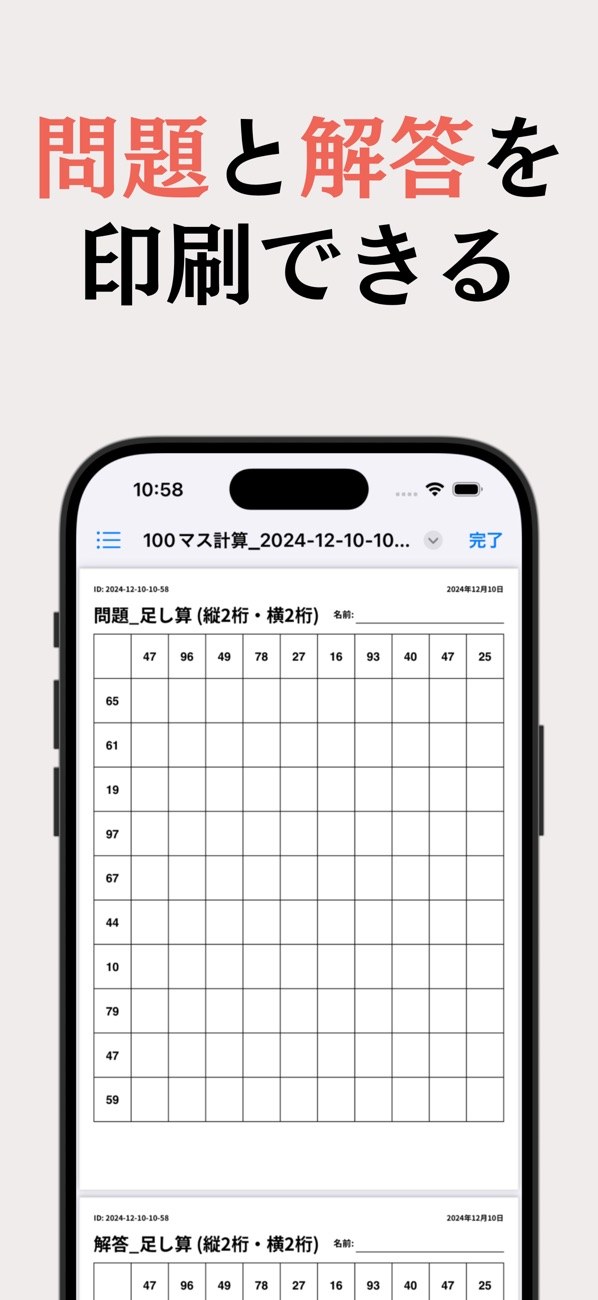
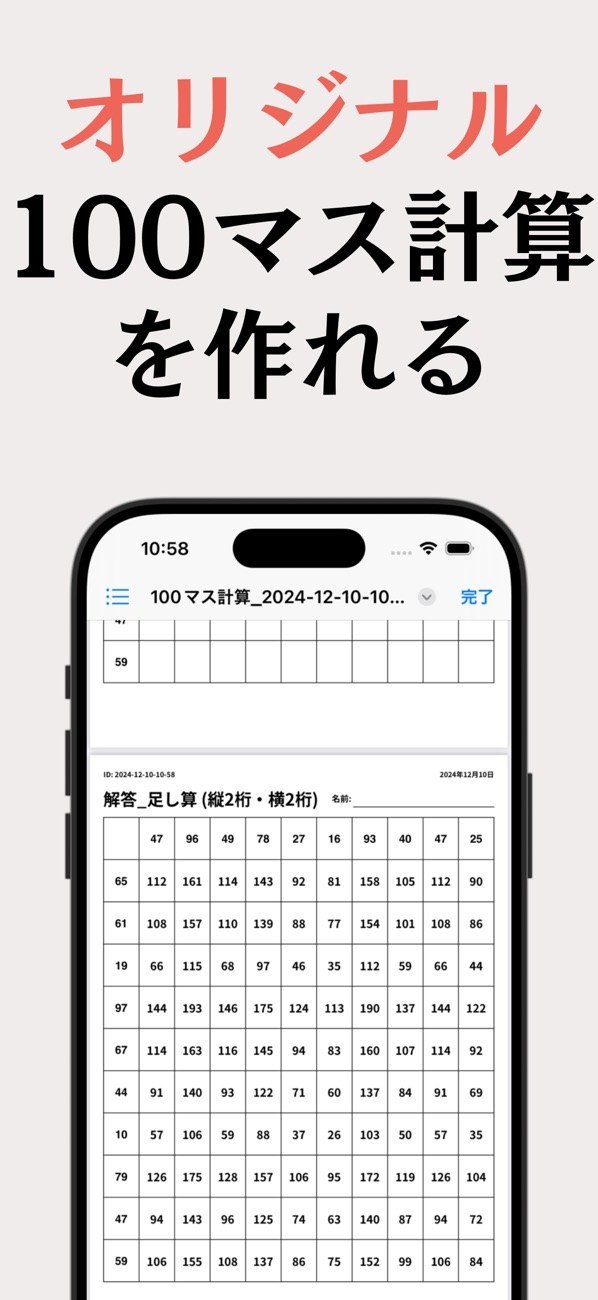
    The PDF button builds two pages, one with the problems and one with the answers. Check them in the print preview, then print.

  4. 04

    Name line and date

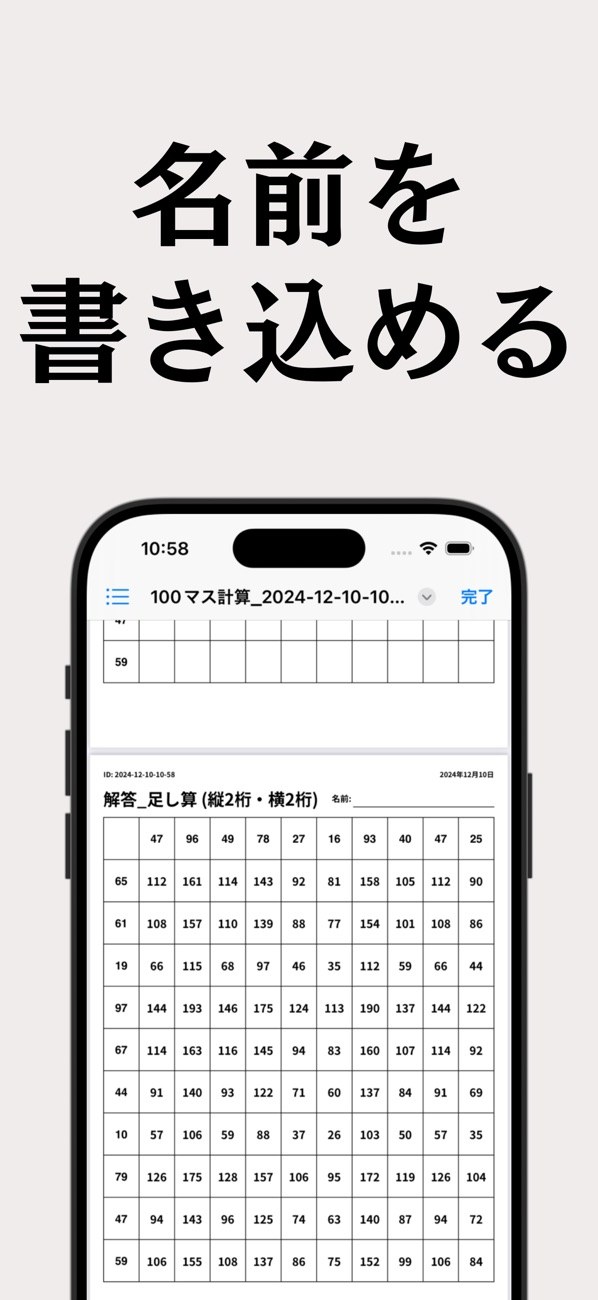
    Every page has a line for a name, the date and a date-and-time ID, which helps when you hand out several sheets.

In detail

Choose the operation and digits
01

Choose the operation and digits

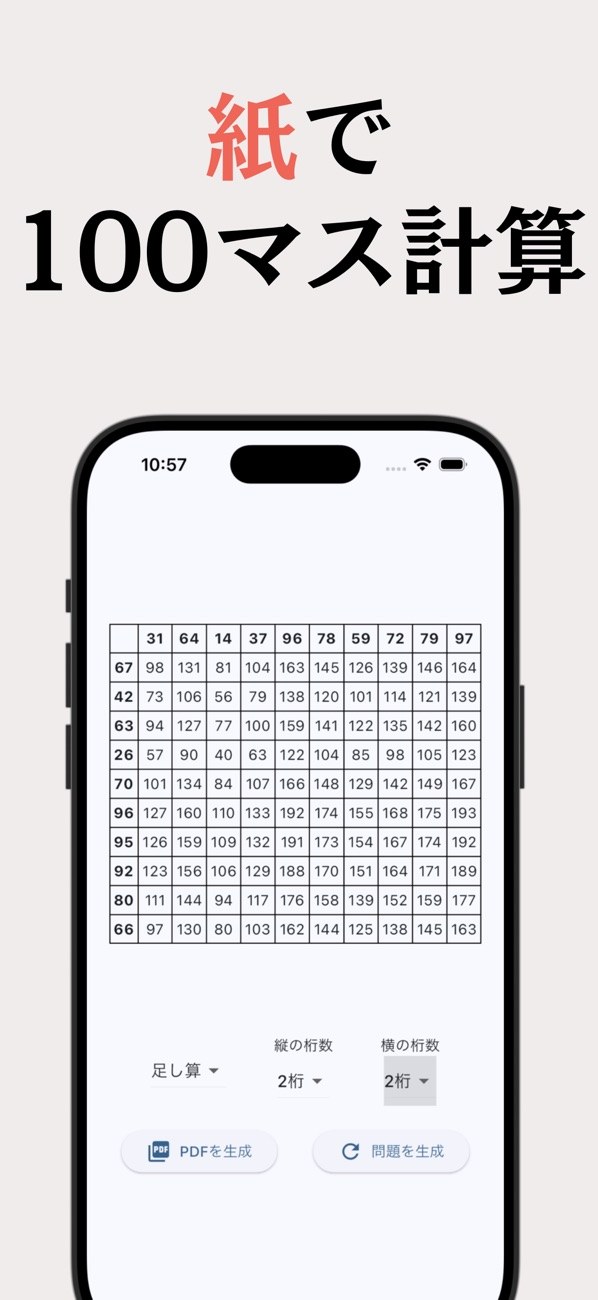
Pick addition, subtraction or multiplication, then set the row digits and column digits separately to 1, 2 or 3 digits. Changing a setting refreshes the numbers in the grid.

  • Addition, subtraction, multiplication
  • Row and column digits set separately
  • 1, 2 or 3 digits
A new sheet with every tap
02

A new sheet with every tap

Tap the generate button and the ten numbers along each side are replaced at random. Keep the same settings and make as many different sheets as you need.

  • 10 x 10 grid
  • Randomly generated
  • Same settings, new numbers
Problem sheet and answer sheet together
03

Problem sheet and answer sheet together

The PDF button builds two pages: a problem sheet and an answer sheet. Check them in the print preview, then go straight on to printing.

  • Problems and answers on 2 pages
  • Preview before printing
  • Title shows the operation and digits
Name line, date and ID on every page
04

Name line, date and ID on every page

Each page carries the date, a date-and-time ID, and a line to write a name next to the title, which makes it easier to tell sheets apart when you hand out several.

  • Name line
  • Date shown
  • ID based on date and time
05

Works on iPhone and iPad

On iPad the grid and settings are shown in larger text. The screen also follows your device's light or dark appearance.

  • iPhone and iPad
  • Light and dark appearance

How it works

  1. 1
    Choose the operation

    Choose the operation

    Use the menu at the bottom left to pick addition, subtraction or multiplication.

  2. 2
    Set the row and column digits

    Set the row and column digits

    Choose 1, 2 or 3 digits for the row digits and the column digits.

  3. 3
    Generate the problems

    Generate the problems

    Tap the generate button to refresh the numbers in the grid. Tap again as often as you like.

  4. 4
    Create the PDF and check it

    Create the PDF and check it

    Tap the PDF button to open a preview of the problem sheet and the answer sheet.

  5. 5
    Print

    Print

    Continue to printing from the preview. The problem sheet has a line for writing a name.

Screens

Choose the operation and digits
Preview of the problem sheet
Answer sheet with every result
Name line and date on each page

FAQ

What kinds of calculations can I make?

Addition, subtraction and multiplication. The row digits and column digits can each be set to 1, 2 or 3 digits.

Do I get a problem sheet and an answer sheet?

Yes. The PDF button builds a two-page preview, one page of problems and one of answers, and you can print from the preview.

Is there a place to write a name?

Yes. Each page has a name line next to the title.

Will the problems be the same every time?

No. The numbers along the rows and columns are replaced at random each time you tap the generate button, and also when you change the operation or digits.

Does it cost anything?

It is free. Please check the App Store for the latest pricing.

Is the app available in English?

No. The app's screens are in Japanese only.

Which devices are supported?

iPhone and iPad running iOS 15.0 or later.

Does the app collect personal information?

No. Sheets are created on your device, and the app does not collect or transmit personal information. See the privacy policy for details.

Print today's sheet.

Download on the App Store
100マス計算アプリGet